
360 Product Photography Turntables
Ortery's combination of user-friendly hardware and software enables any employee to create 360 product views in seconds. The integrated software provides full control over 360 movement and animation look and feel. If you're looking to demonstrate your products more effectively and increase conversions when selling online through eCommerce, then you're in the right place!
360 Photography Software
All ortery 360 turntables are software-driven
Ortery offers a variety of 360 product photography turntables to accommodate any job, big or small. Our software driven turntables allow users to quickly and more efficiently create 360 product views for Amazon, eCommerce, social media or other applications. With the included 360 photo software you're able to easily use workflows that automate turntable movement, image capture, editing and stitching.
With more and more prominent online retailers requiring sellers to have 360 product views in their listings, our easy-to-use hardware & software systems have set the standard for both quality and return on investment. There are no limits and no monthly fees - you own it. All of our product photography systems come with live training, top-notch customer service and free tech support for life!
PhotoCapture 360
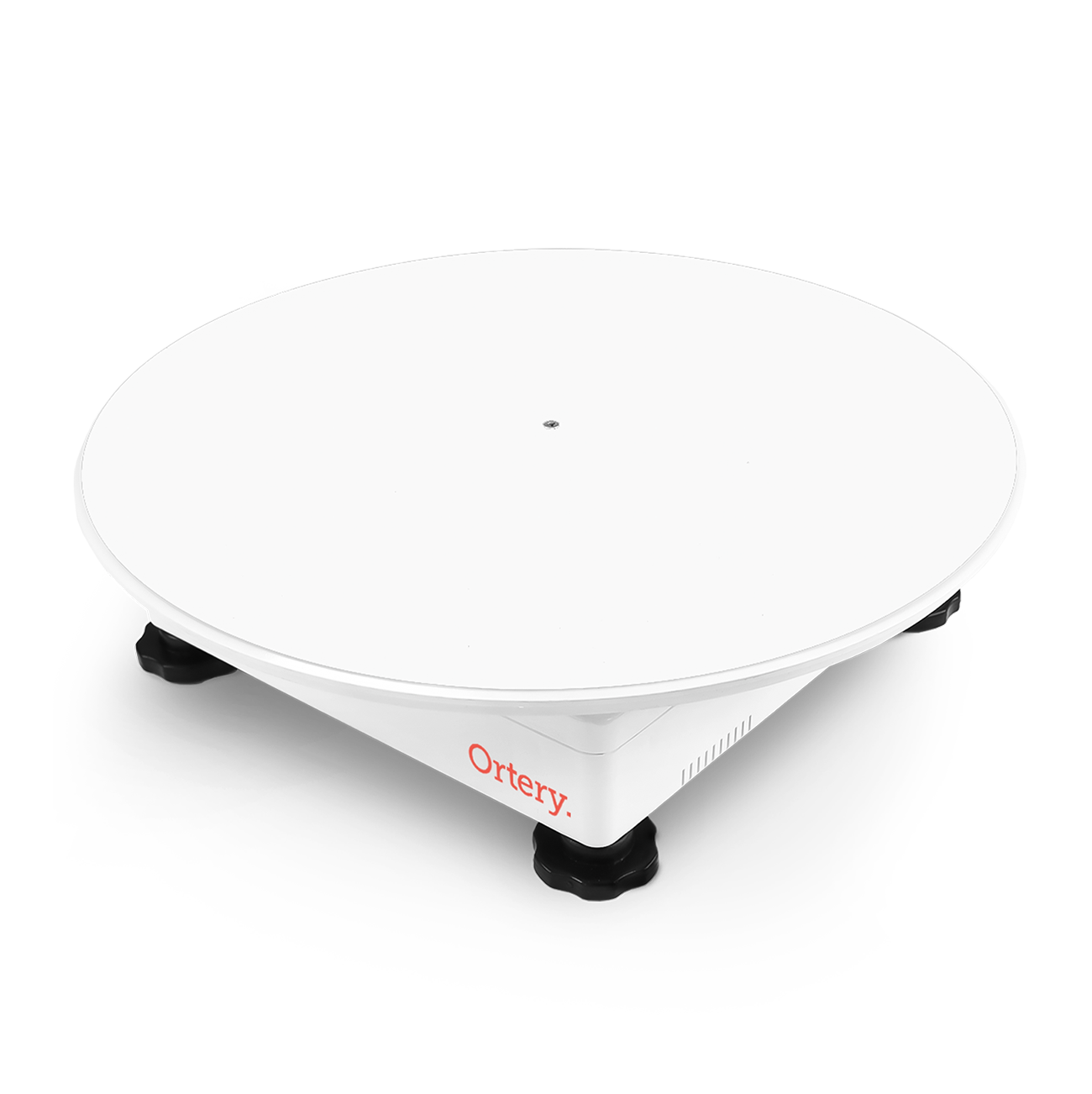
SMALL 360 TURNTABLE FOR PRODUCTS UP TO 25LBS
Create 360 product views for Amazon, eCommerce or other applications. Use the 360 photography software workflows to automate turntable movement, image capture, editing and stitching. It’s easy. No limits or monthly fees. You own it. Unbeatable service and support.
Size: 15.7 x 15.7 x 4.1"
Platforms: 11.4 and 15.7" (Larger Platforms Available)
Capacity: 25 lbs
PhotoCapture 360S
MEDIUM 360 TURNTABLE FOR PRODUCTS UP TO 100LBS
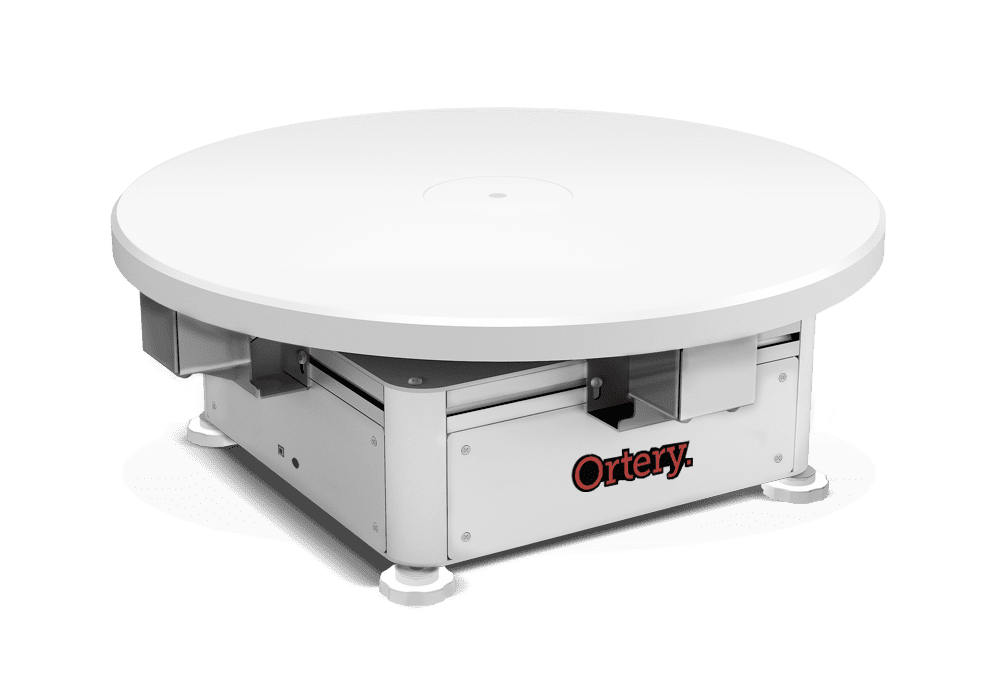
The NEW PhotoCapture 360S is a compact 360 product photography turntable that packs a huge punch when it comes to its overall strength and durability. Its 22 inch platform boasts a weight limit of up to 100lbs - making it perfect for spinning anything from small and mid-size items to full size mannequins. The 360S lets you easily create 360 product views for eCommerce, social media and more. The included 360 photography software controls turntable movement, image capture, batch editing and 360 stitching. Also creating stills, videos and custom shot sequences.
Size: 22 x 22 x 8.5"
Platform: 22" (Larger Platforms Available)
Capacity: 100 lbs
PhotoCapture 360M
MEDIUM 360 TURNTABLE FOR PRODUCTS UP TO 300LBS
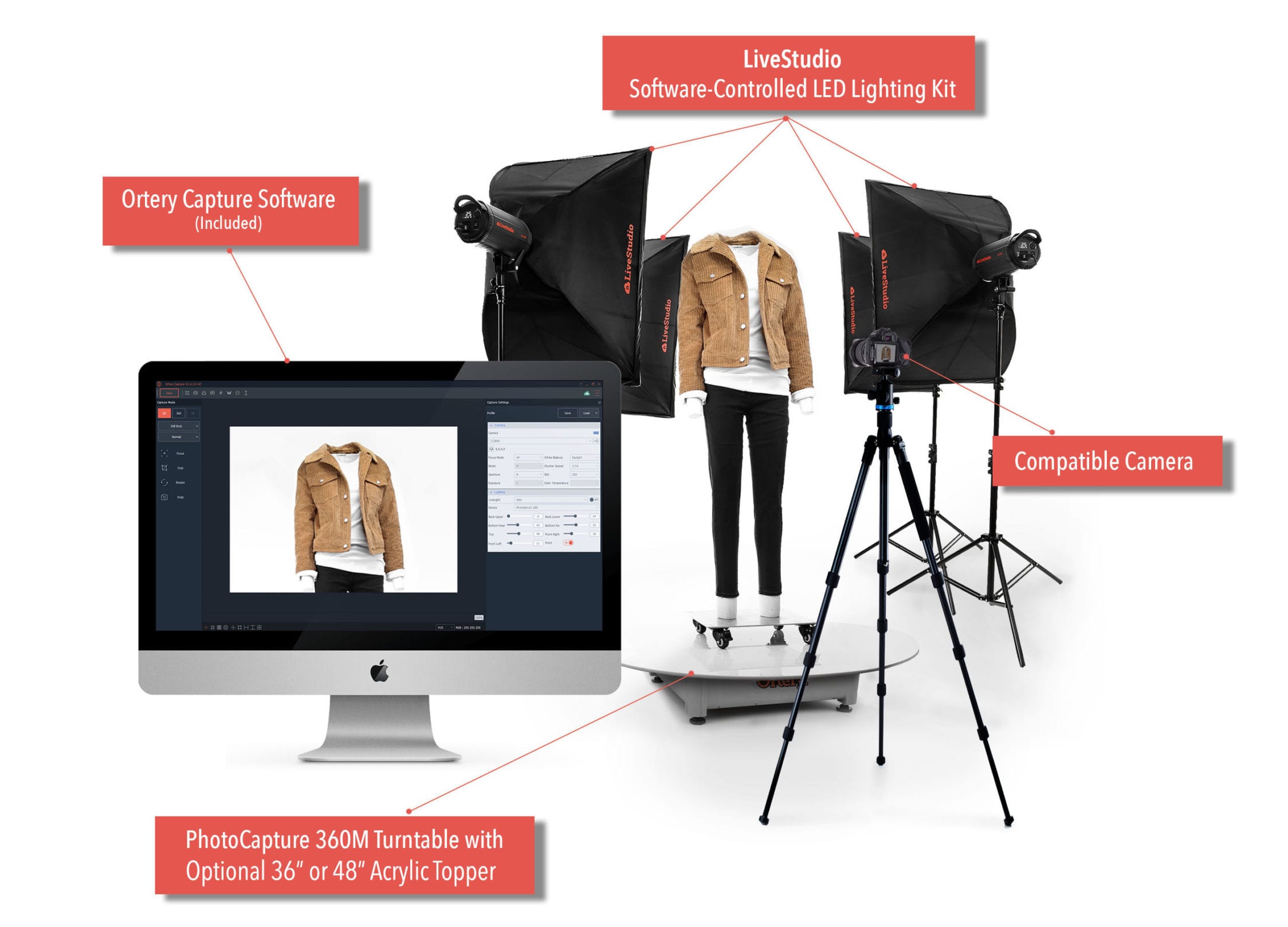
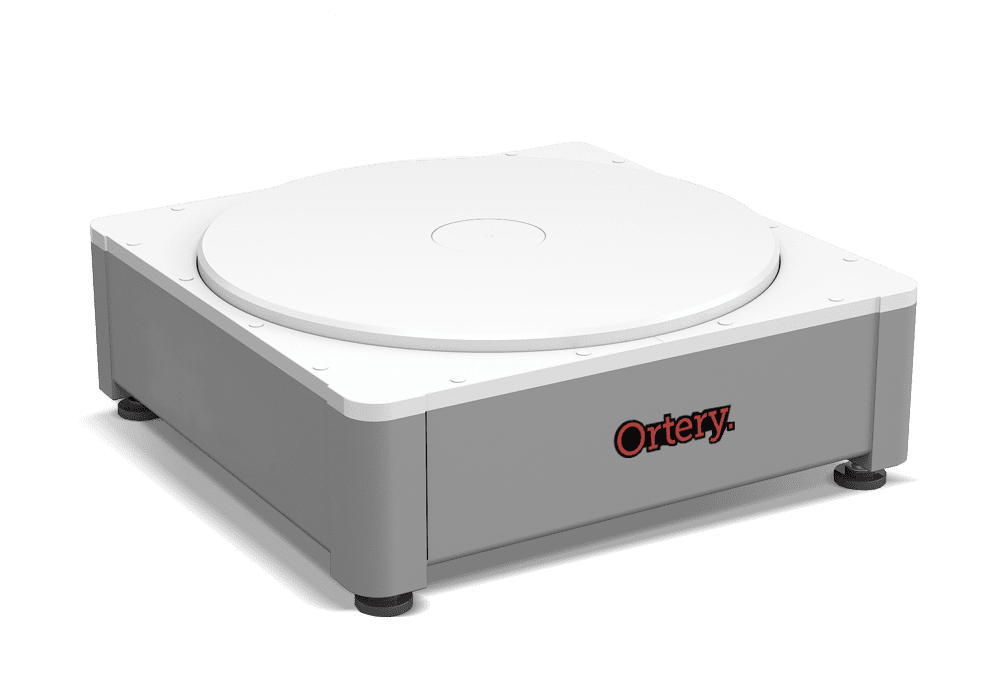
PhotoCapture 360M is a 360 degree product photography solution for capturing and stitching product pictures into interactive rotating 360 product views. This 300 lbs capacity turntable and 360 photography software work together to create an extremely fast and repeatable workflow for shooting models and large objects. Because the system controls a compatible camera, everything there are features that streamline image capture, editing, processing and stitching.
Size: 23.6 X 23.6 X 8.3"
Platform: 22" (Larger Platforms Available)
Capacity: 300 lbs
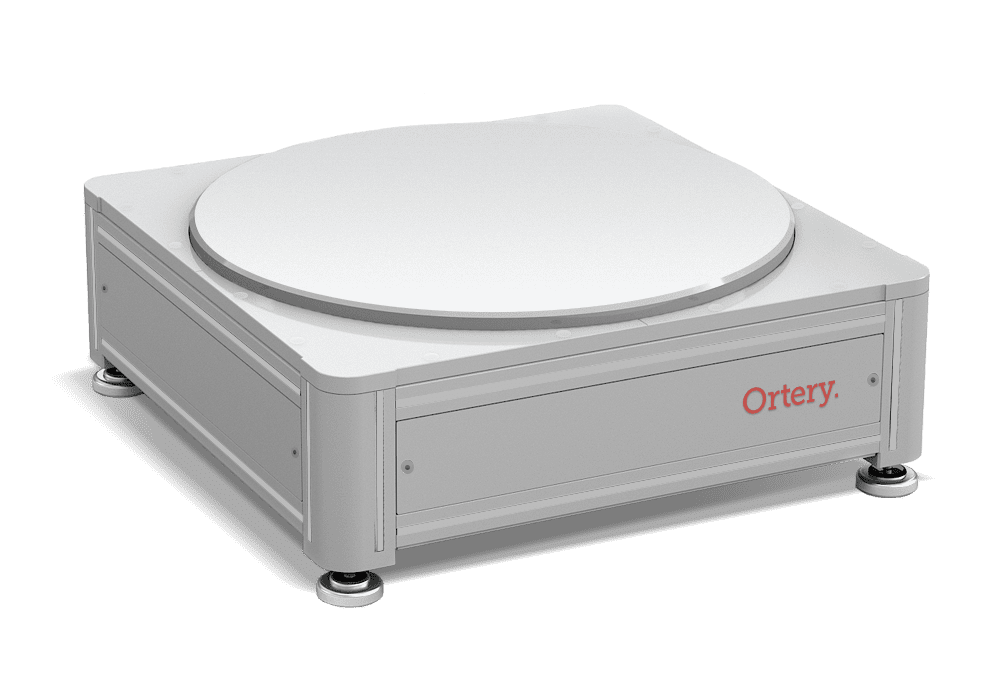
PhotoCapture 360L
LARGE 360 TURNTABLE FOR PRODUCTS UP TO 600LBS
Use 360 product views to make your website more interesting and provide more info to interested customers. Consisting of a large 360 photography turntable and 360 photography software, PhotoCapture 360L controls a compatible camera to simplify and automate 360-degree product photography.
Size: 23.6 X 23.6 X 9”
Platform: 22" (Larger Platforms Available)
Capacity: 600 lbs
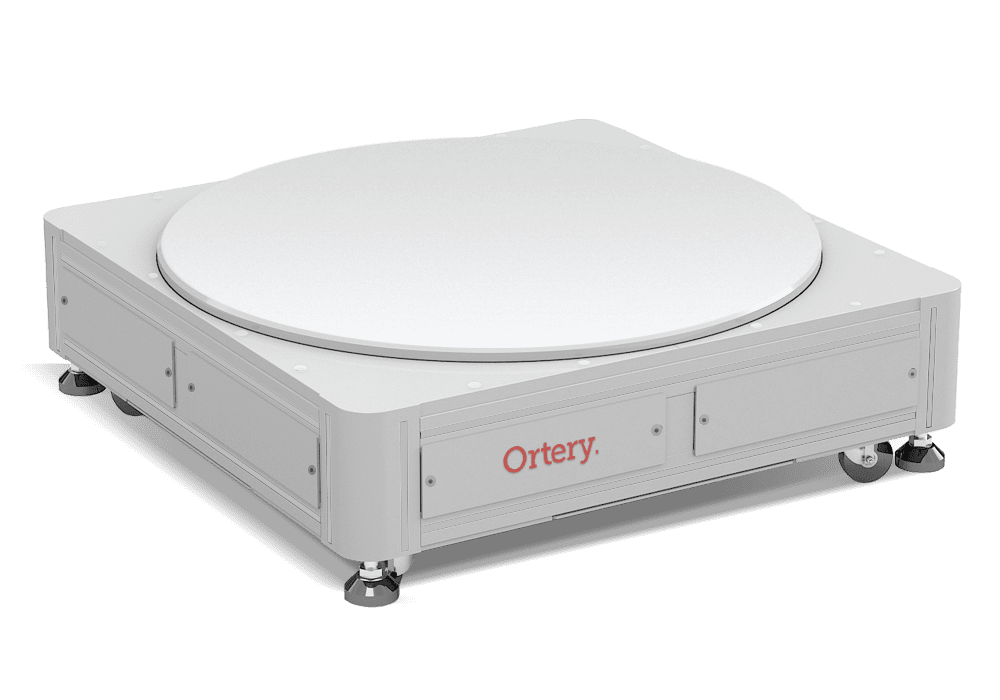
PhotoCapture 360XL
LARGE 360 TURNTABLE FOR PRODUCTS UP TO 1000LBS
Create 360 degree animations of large objects with this heavy duty 360 product photography system. Rotating 360 product shots leads to more sales and less returns. Its simple. The motorized turntable, 360 photography software and a compatible camera work together to seamlessly capture pictures and turn them into 360 product views and videos.
Size: 32.7 X 32.7 X 11”
Platform: 31.5" (Larger Platforms Available)
Capacity: 1000 lbs
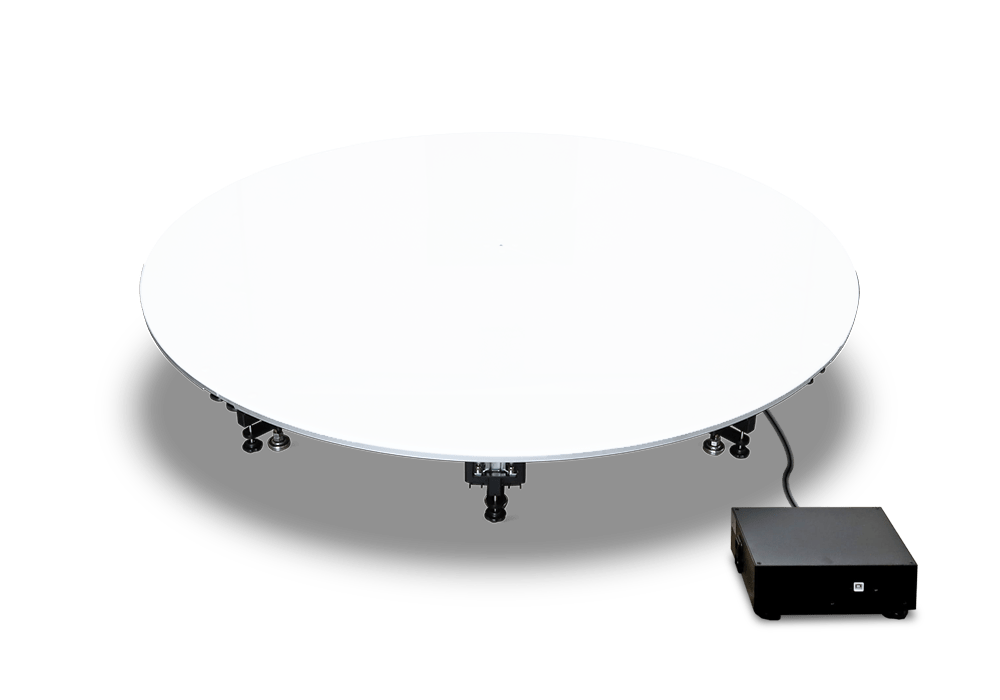
PhotoCapture 360 Stage-S
INDUSTRIAL SIZE 360 PRODUCT PHOTOGRAPHY TURNTABLE FOR PRODUCTS UP TO 1,984 LBS
The PhotoCapture 360 Stage-S is a heavy-duty photography turntable designed for business and eCommerce needs, perfect for capturing 360-degree images of large products. Equipped with a strong servo motor and an optional loading ramp, it offers smooth movement and precise results. Ortery's software manages the camera, workflow, and movement settings to produce consistent 360 product views, videos, and still shots.
Size: 78.7 x 78.7 x 11.8"
Platform: 78.7"
Capacity: 1,984 lbs
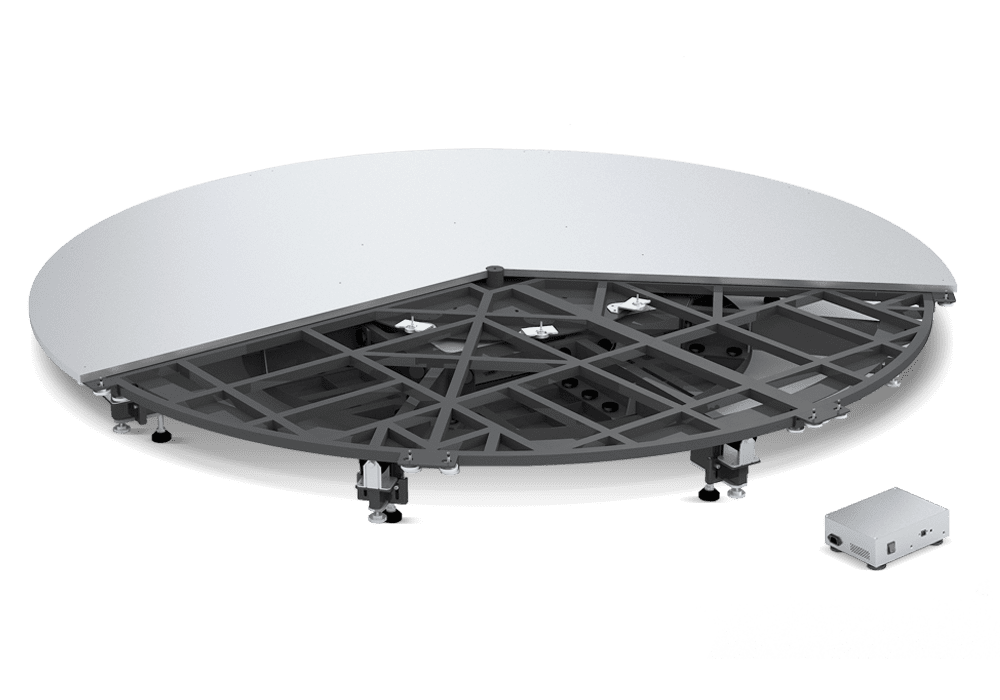
PhotoCapture 360 Stage
INDUSTRIAL SIZE 360 PRODUCT PHOTOGRAPHY TURNTABLE FOR PRODUCTS UP TO 1,322 LBS
Create 360 degree animations of furniture and other large objects with this heavy duty, industrial size 360 product photography system. Rotating 360 product shots lead to more sales and fewer returns. It’s simple. The motorized turntable, 360 photography software and a compatible camera work together to seamlessly capture pictures and turn them into 360 product views and videos. Click here to see what Jerome's Furniture had to say about their PhotoCapture 360 Stage!
Size: 118 x 118 x 13.2"
Platform: 118"
Capacity: 1,322 lbs
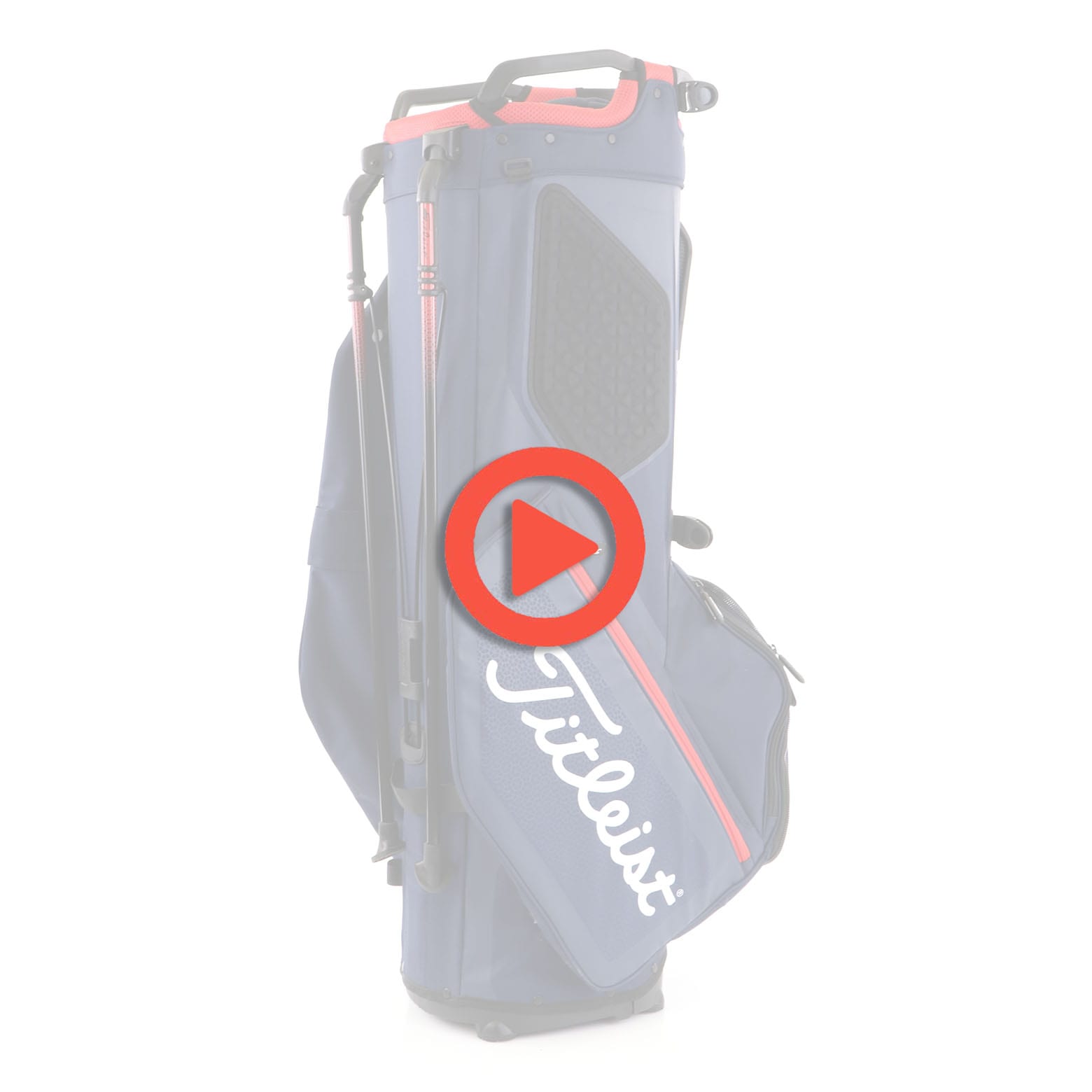
Create Interactive 360 Product Views on a Pure White Background
Hardware & Accessories
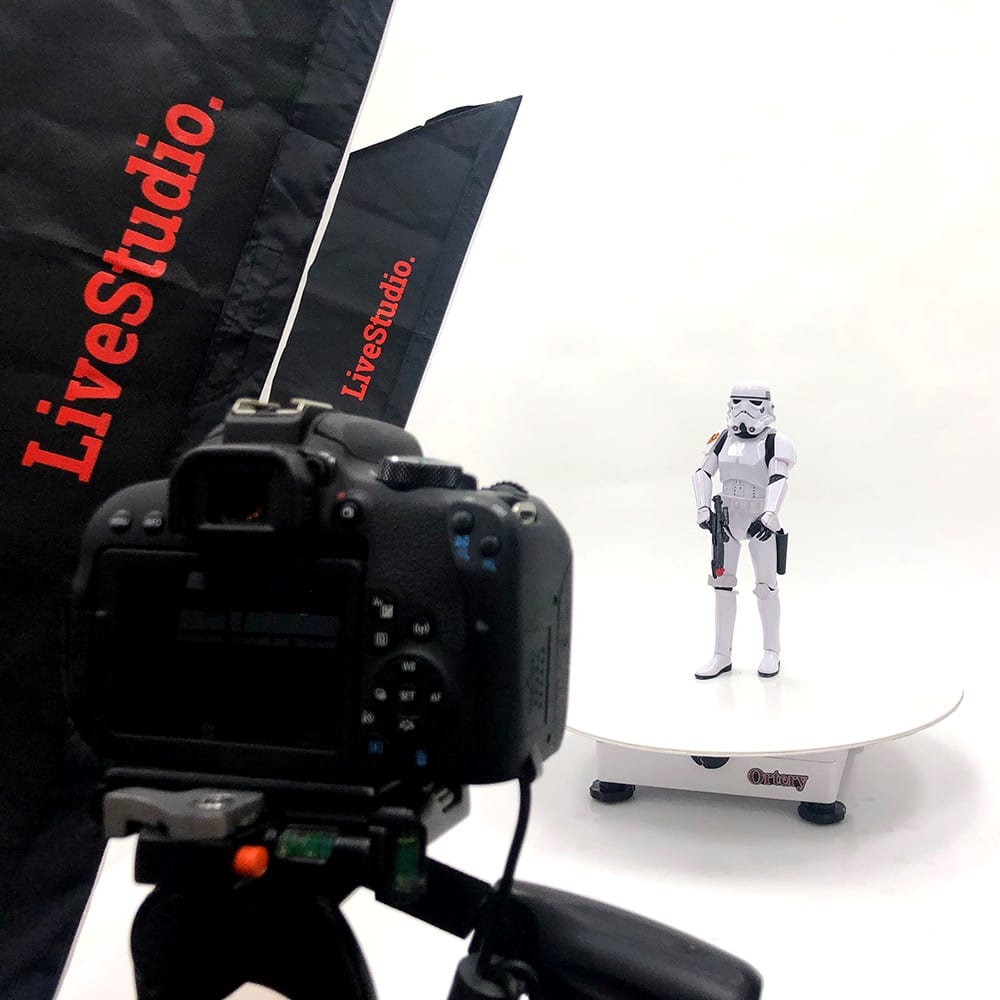
Our 360 turntables are fully battle-tested, built to last and offer industry leading hardware features and options, including:
- LiveStudio LED Lighting
- Extended or Custom Turntable Covers
- Product Stands and 360 Hanging Kits
- Solutions for Holding Backpack and Purse Straps
- Wobble-free Technology
- Easy Product Centering
- Extremely Accurate Rotation
- Turntable Leveling Capabilities
- Integrated Hosting. Automatically Save to the Cloud
- Fast Capture Speed
Output Possibilities
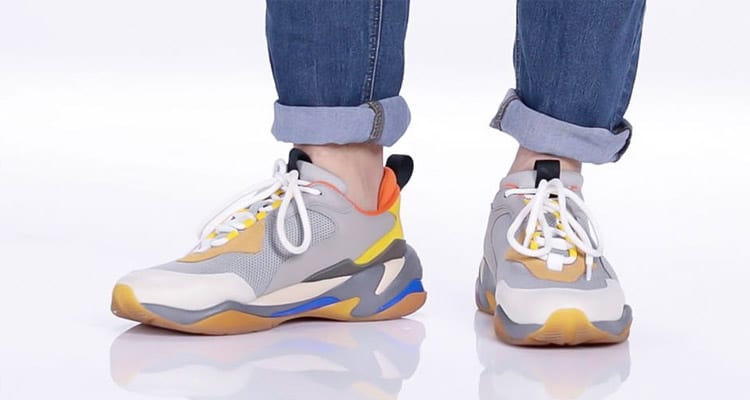
With each 360 turntable and included software you can create: Stills, 360 Animations, Videos, Animated GIF, Image Sequence Workflows, Fans, Focus Stacked Images, Close Ups and more. Images can also be exported for 3D use.
Output:
- JPG, TIFF, RAW, PNG
- HTML5, GIF
- MOV, MP4
Easy Integration
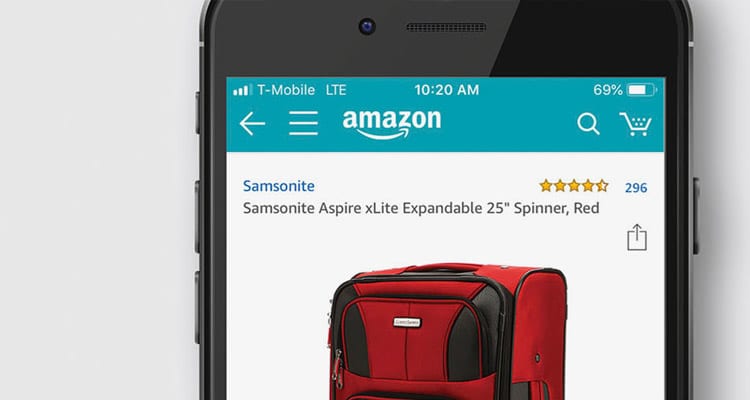
Produce photo, video and interactive content perfect for websites, social media, eCommerce, Amazon and more.
360 degree animations play on all platforms and browsers:
- Fully responsive
- Optimized for mobile viewing
Plugins and HTML5 Implementation Guide included.



Integrated Hosting
Automatically SHOOT & upload content to the web
With this integrated solution, you can save images, 360 animations and videos you create directly to the cloud where they can be quickly shared via email, displayed on a web page or used inside an eCommerce website. Ortery Cloud is the most efficient way to go from image capture to online product display.

AI Background Removal
ANY PRODUCT. ANY ANGLE. ANY INDUSTRY.
Using advanced object recognition and color separation, Ortery's Al Background Removal delivers fast, professional results in seconds.
Plans starting at $12/month - Get started today!
Results May Vary.
Bottom-Lit 360 Product Photography Turntables & Studios
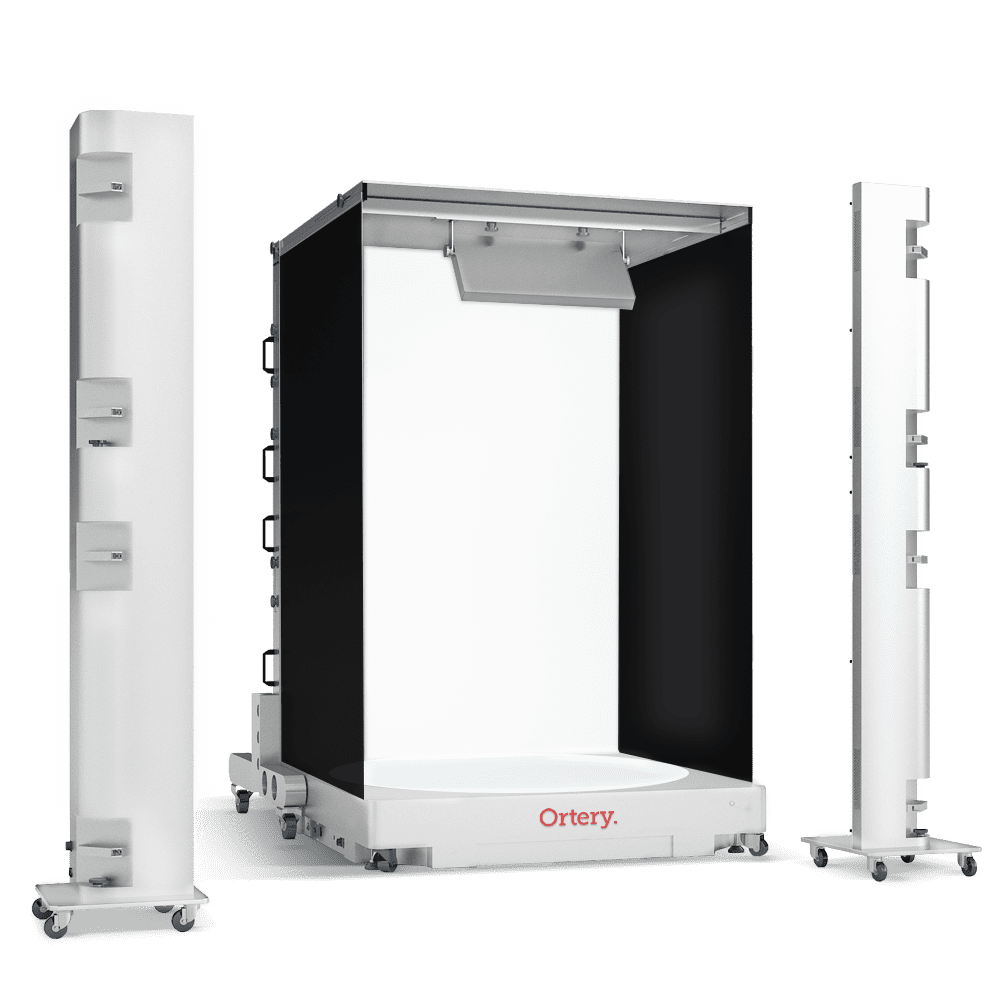
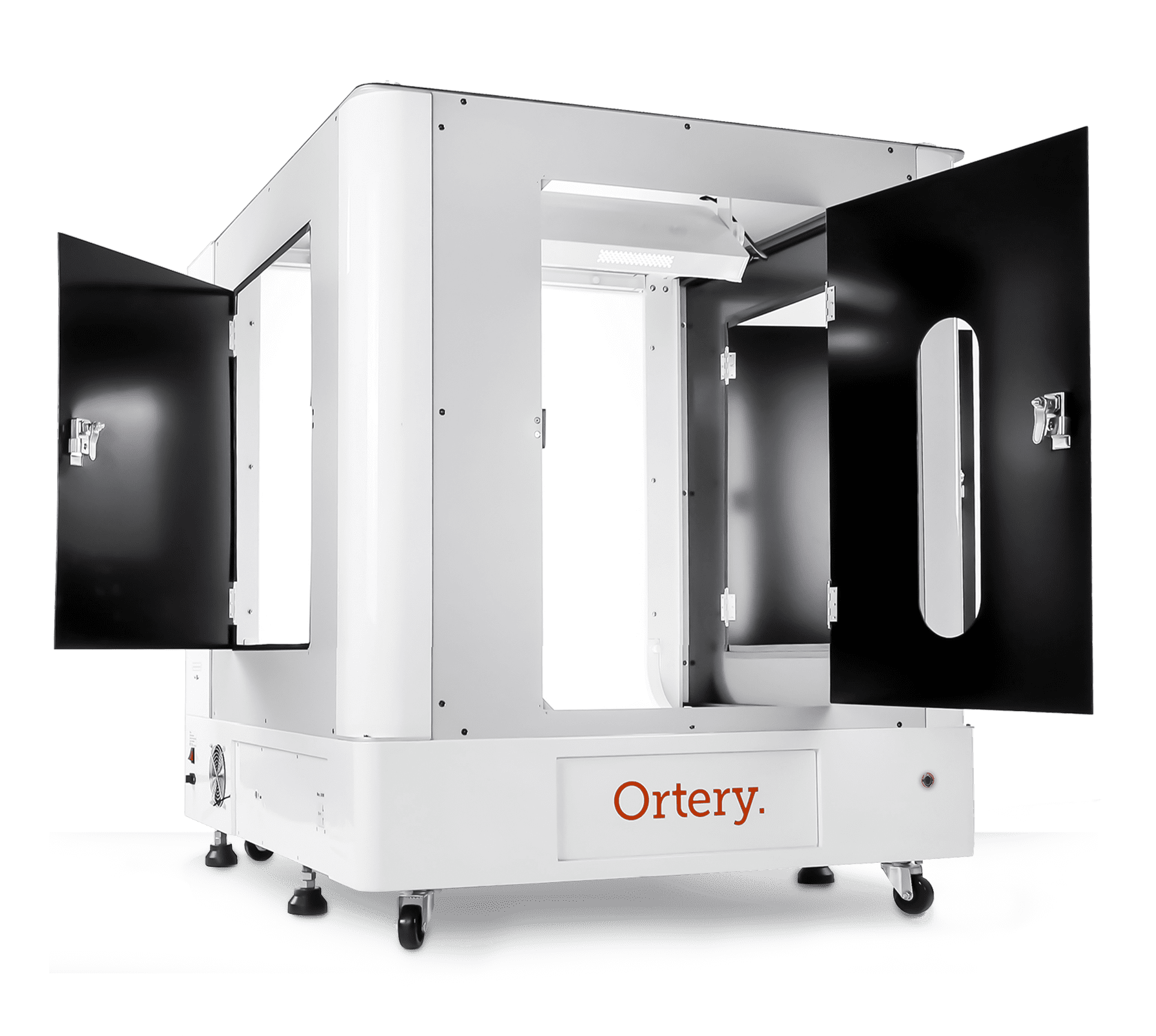
Engaging Product Views
Add excitement to your website with HD imagery & 360 views, allowing customers a tactile experience via rotate, pan and zoom capability.