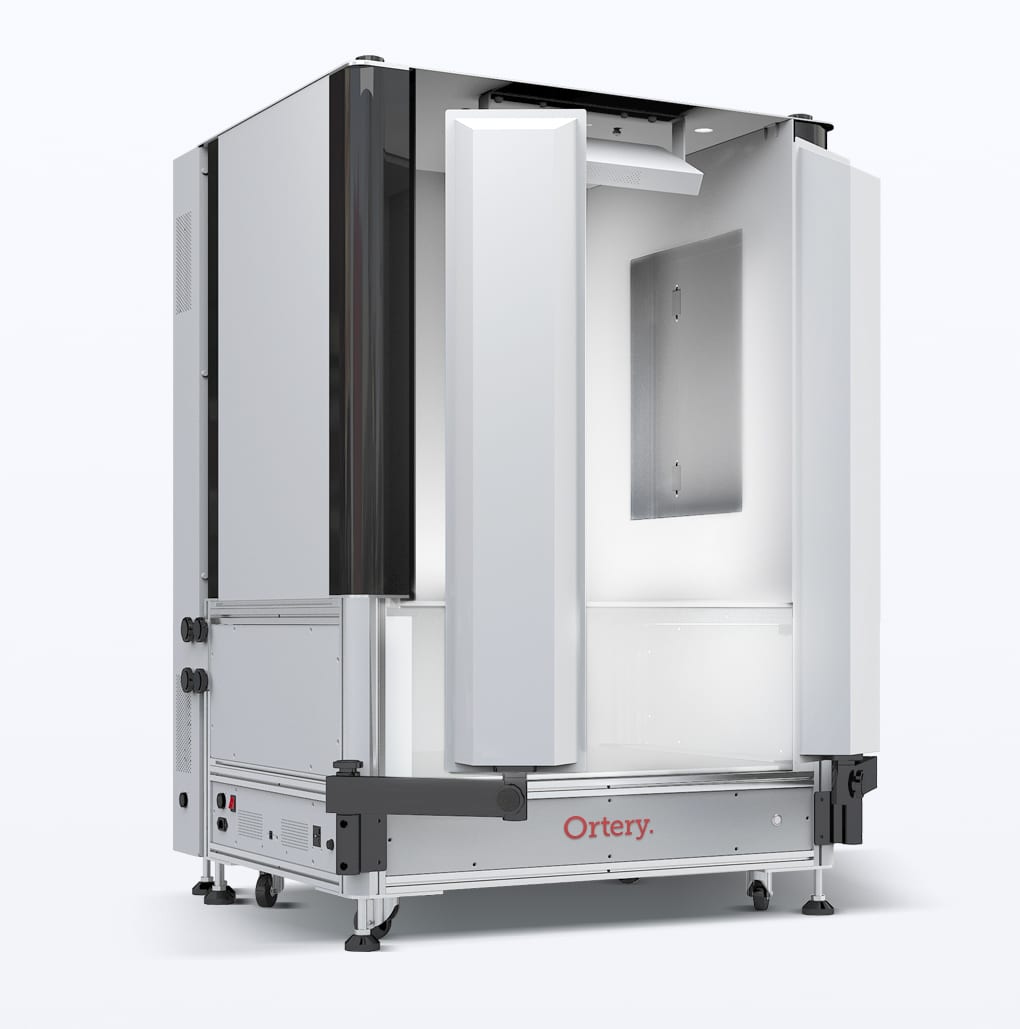
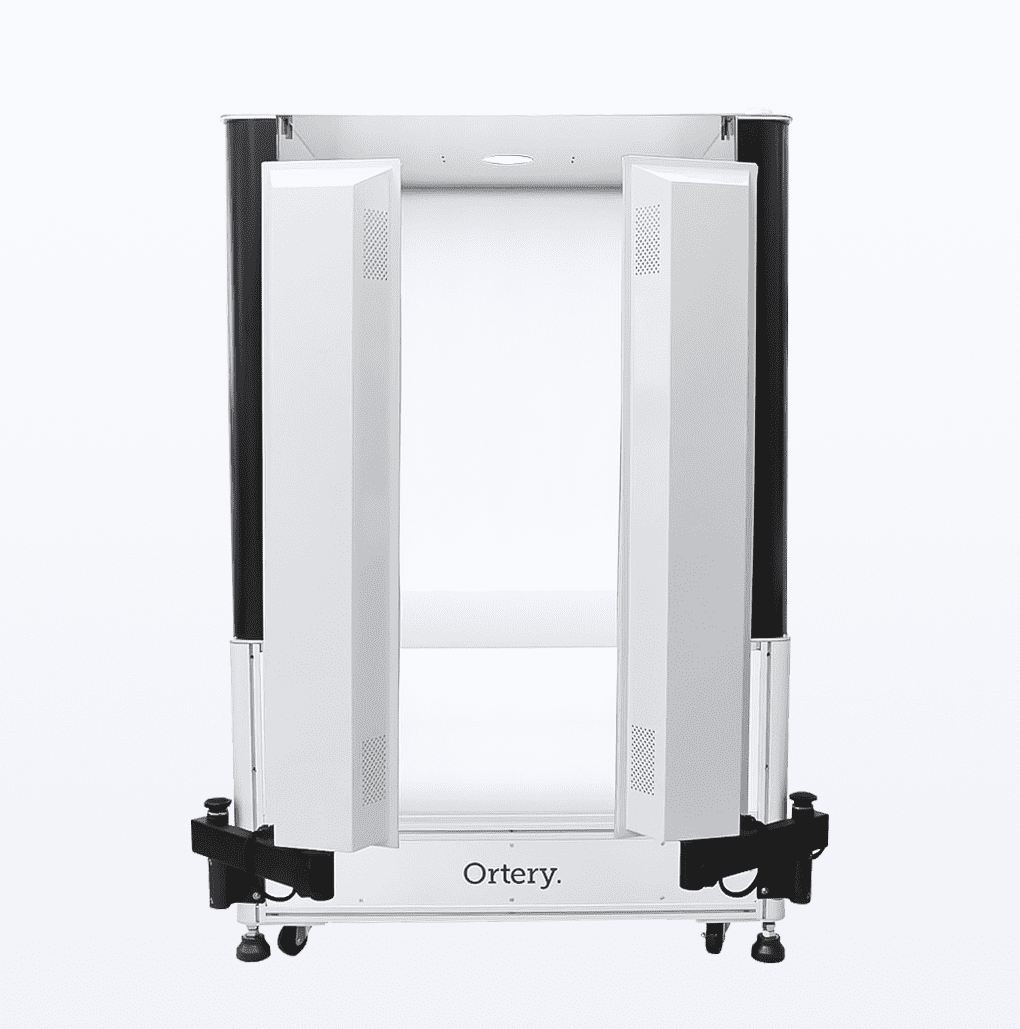
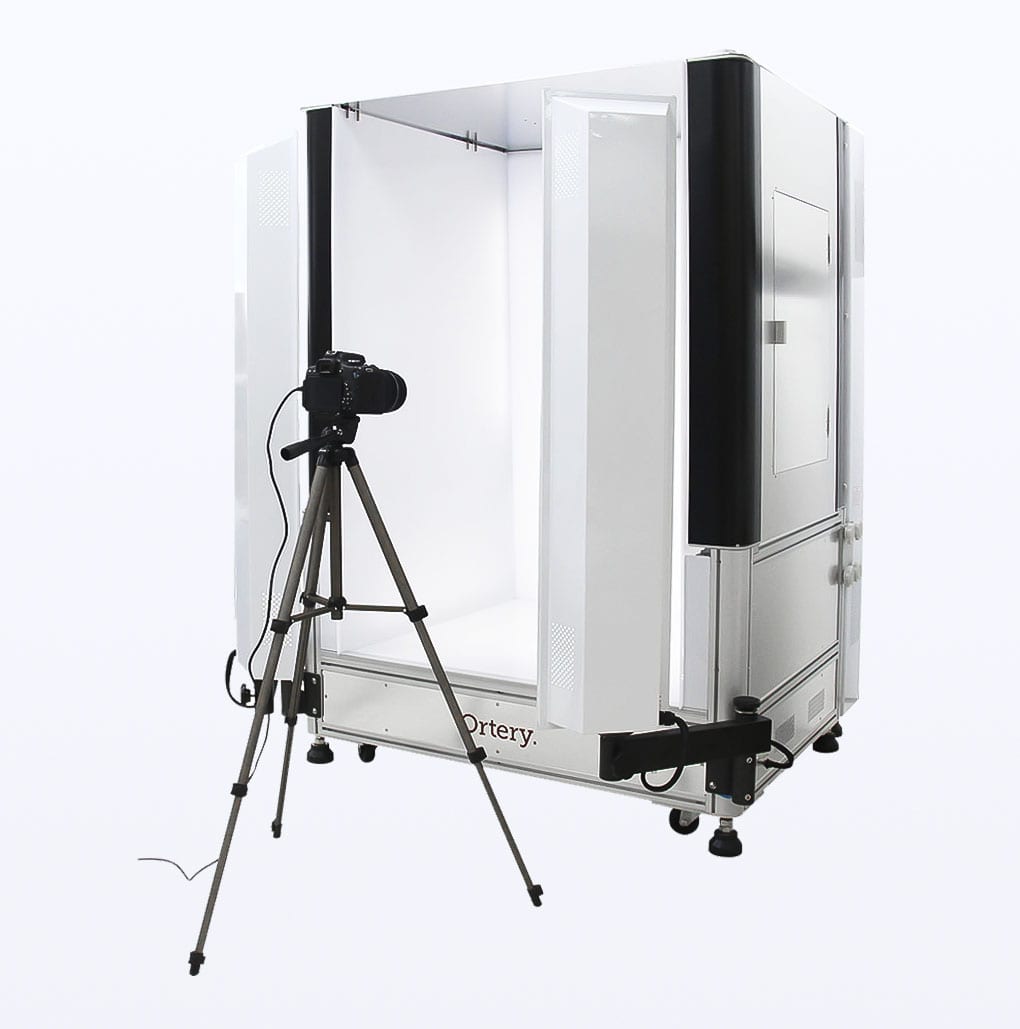
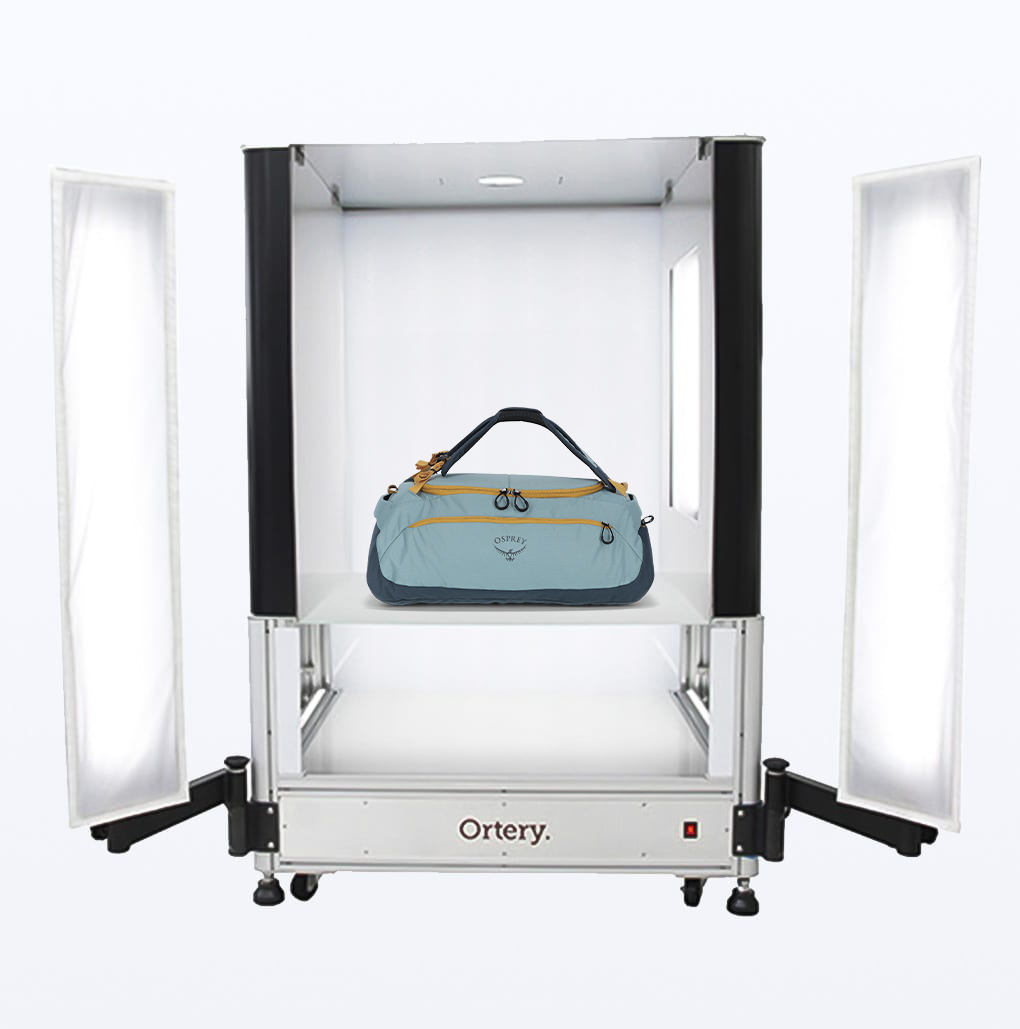
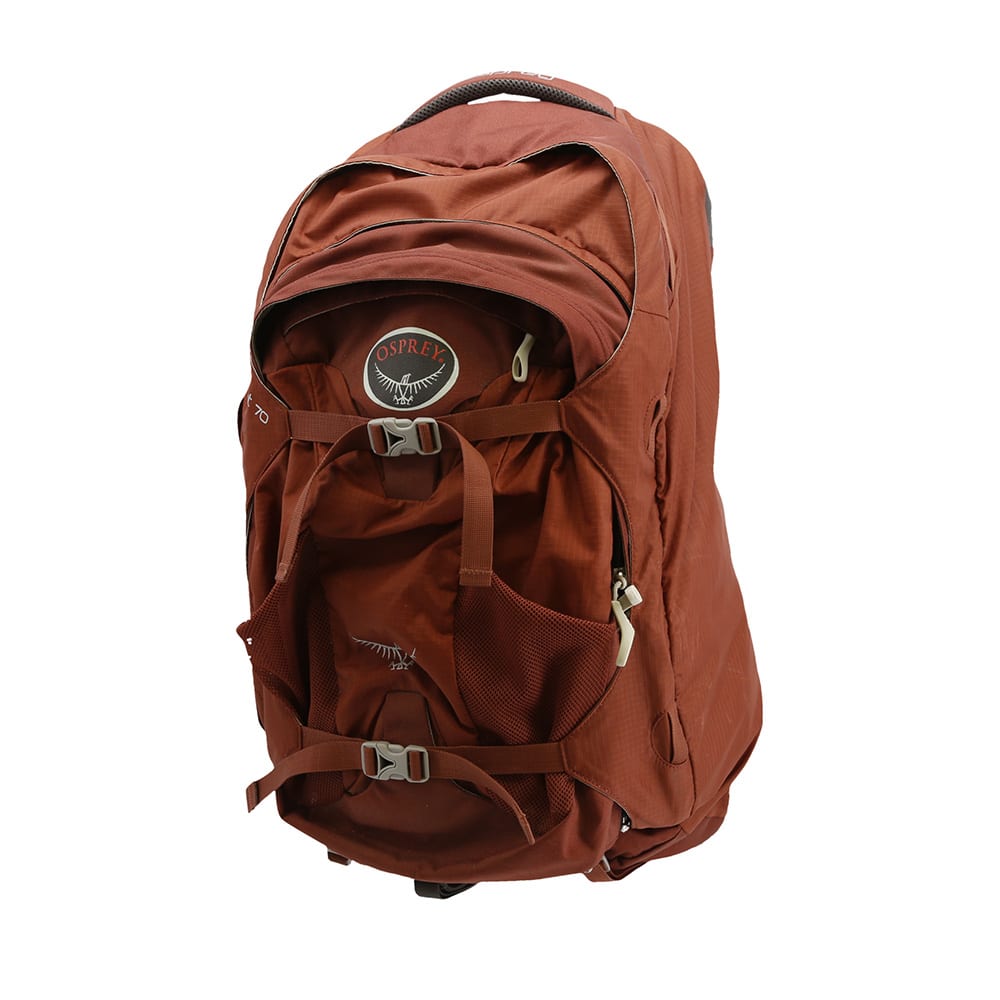
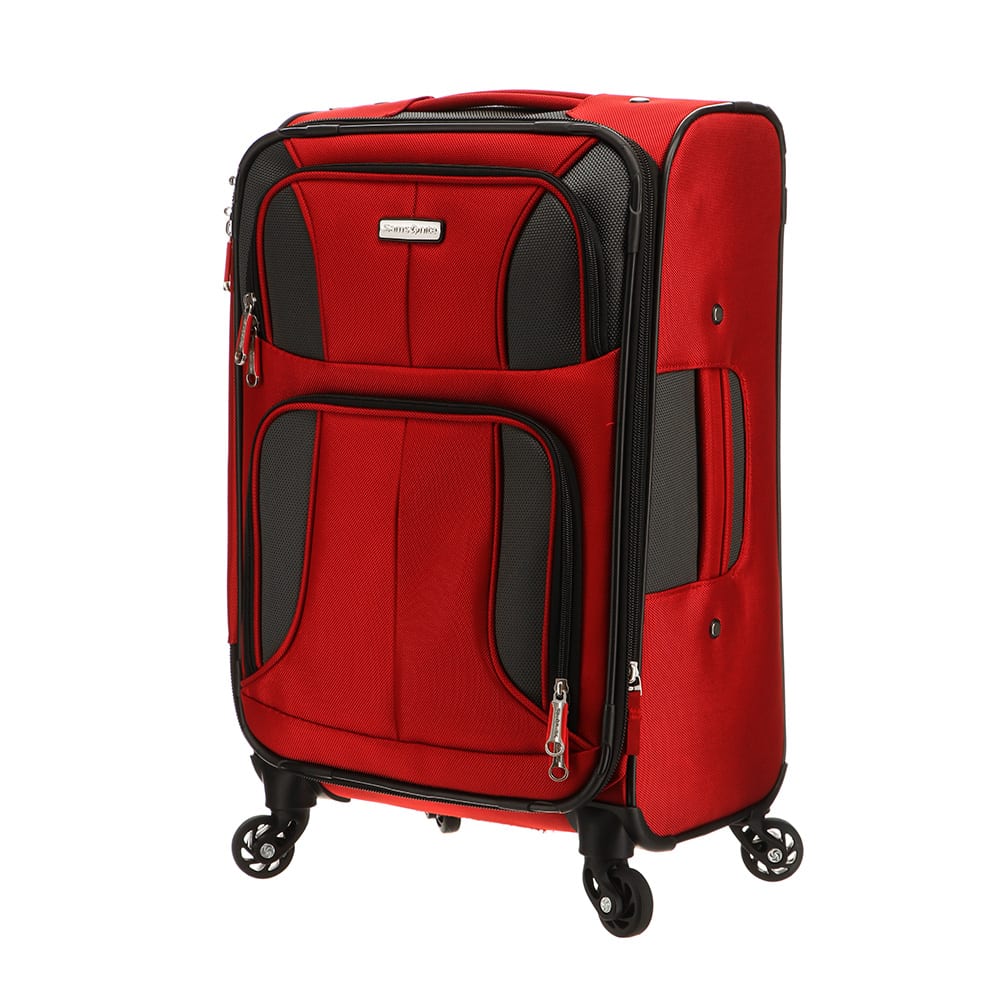
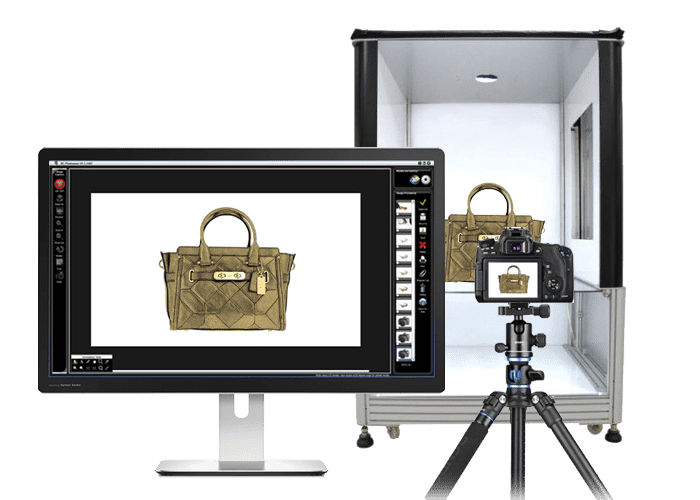
Our flagship studio, Photosimile 200 makes taking professional photos simple and efficient
Quickly take pictures and immediatly put them to use. Photosimile 200 offers a better photography workflow that reduces photo setup and image editing time. With Photosimile 200, you will increase profitability by communicating more effectively and efficiently.
For Who?
For companies looking for a pre-configured photography solution that makes it simple and fast to create professional-quality photos for any application.
For What?
Web, Print and Business Communication: eCommerce, internal / external communication via email, quality control, product catalogs, databasing, R&D, product design, marketing materials, online auctions and more.
THE RIGHT LIGHT – Photosimile 200 offers uniform and consistent lighting for taking shadow-free and color accurate photos. It utilizes 4 symmetrical, daylight (6500K) bulbs that illuminate objects evenly, almost eliminating the need for editing.

PC-CONTROLLED- The Photosimile Image Creation Software controls every aspect of the studio, camera, picture taking and picture processing workflows. The knowledge to obtain a professional photograph is built into the system and the software optimizes camera settings to the studio lighting. Using your PC to take pictures allows you to enjoy a real-time preview on the PC monitor screen and to pre-crop the photo. A picture is composed and taken by clicking Preview, Zoom-in, Zoom-out, Crop & Snap in the software. The photo is immediately transferred from your camera to PC monitor in seconds.

ONE PROGRAM DOES IT ALL- Pictures can be annotated, masked, emailed and batch processed with regards to naming, resizing, watermarking and saving. It’s perfect for websites, printed materials and for daily communication via email.

NO EXPERIENCE NECESSARY- Photosimile 200 represents a breakthrough in DIY business photography. It allows amateurs to take professional photographs in a profitable manner. It also comes with free technical support and free software upgrades for the lifetime of the product, plus a 1-year warranty.
Step 1
Turn light box and camera on using Photosimile software.

Step 2
Place items in the light box. Click Preveiw in the software to see them on your monitor screen in real-time.

Step 3
Compose picture with "Zoom", "Crop" and "Rotate" commands

Step 4
Click "Snap" in the software to take the picture.

Step 5
Pictures are automatically sent from camera to PC via USB for viewing, editing and saving.

Photosimile studios are much more than a light box. The concept of Photosimile is to help people create great pictures and quickly put them to use. Whether you need to take a picture and send it by email or take hundreds of pictures for a product catalog, Photosimile has streamlined the workflows you need to get the job done faster and more efficiently.

Real-time Preview
See everything in real-time on your monitor screen before you take a picture. Zoom, Crop and Rotate commands help compose the image before pressing 'Snap' to take the picture.

Pre-Cropping
In Preview mode, drag the crop markers to select the area you want to keep in the resulting picture. Keeping only what you need, not everything the camera sees. Saves time by eliminating the need to edit / crop the image later.

Watermarking
- Place your logo or website address right on your images.
Image Annotation
- Draw and write on images to communicate precisely
Pre-Cropping
In Preview mode, click Crop, then drag the crop markers to select the area you want to keep in the picture. Keep only what you need, not everything the camera sees. Saves time by eliminating the need to edit / crop the image later.
Automatic Image Download
The pictures you take are automatically transferred from camera to PC within seconds and displayed on the monitor. Imagine the number of clicks you could save in a year, plus no more downloading then realizing you have to re-take several pictures. With Photosimile you’ll know whether you got a good shot before you move the sample from the shooting area.
Editing
- Either export images directly to your favorite editing software or use our editing tools to remove backgrounds and make minor changes
Batch Saving, Resizing and Watermarking
- Increase speed & efficiency. Quickly save multiple images at the right size and with the right name and resolution.
Photosimile is an all-in-one solution. The combination of lighting control, a digital camera and control software eliminates many of the variables associated with producing professional-quality pictures, making it simple to use while producing excellent photography results.

Photosimile simplifies and automates the process of creating professional quality photographs for Web, print and business communication. The software was specifically designed to make photography easy and to speed up image capture and image processing workflows.

Photosimile simplifies and automates the process of creating professional quality photographs for Web, print and business communication. The software was specifically designed to make photography easy and to speed up image capture and image processing workflows.

No photography experience necessary. Because we know the camera’s characteristics and the shooting environment, we know what camera settings work best. There is an advanced mode in the software for fine-tuning (adjusting aperture and shutter speed, etc), but most pictures will be taken in automatic mode.

Surround lighting, the right type light, the right light intensity and special light diffusion provide a controlled and ideal environment for shooting almost anything that fits inside the studio. You can expect to spend much less time editing images taken with Photosimile.

Know what the pictures going to look like before you take it. Previewing puts the camera in video mode so you can properly compose the picture while viewing it in real-time on your monitor screen. Also use this feature to properly set the crop markers so that when the image is taken, its automatically cropped to the right size.

The real-time preview, pre-cropping, remote camera control and automatic image downloading technologies save time and effort with each picture taken.

Anyone can walk up to a Photosimile studio, place an item inside and take a professional picture. Once the picture is obtained, the software workflows ensure a smooth transition to actually putting the image to use.

It typically takes two or three software programs to accomplish what Photosimile does in one application and tremendous efficiencies can be obtained using Photosimile’s batch processing and saving features.

Photosimile was built for speed. Our customers can attest that Photosimile is able to produce thousands of professional pictures in just days! No project is too large. Photosimile technology makes product photography profitable.

Photosimile changes how businesses communicate on a daily basis. By taking a picture, annotating it with drawings and text then sending it via email, there is no room left for misunderstandings or poor communication. The studio is perfect for companies that manufacture overseas or communicate internally / externally with people spread across different locations.

Photosimile 200 is ideal for taking pictures of small shiny items like jewelry. The controlled lighting reduces glare and hot spots. The close up feature provides incredible results down to 1mm with any compatible camera. The lighting consistency, lighting quality, annotation features and ability to take extreme close ups make it an ideal tool for quality control.

The camera takes high-resolution images that the software easily uses for website and business communication. Put Photosimile by the copy machine and let people from each department walk up, take a picture and utilize it to complete their individual projects.

The camera housing area offers power and USB connections for the camera. Thus the camera can conveniently be moved from top shots to side shots and vice versa while remaining connected to the studio / software via USB.

Dimensions
Dimensions (L x W x H): |
24” x 24” x 28” |
Weight: |
69 lbs |
Shipping Weight: |
84 lbs. (29” x 29” x 33”) |
Maximum Target Size: |
|
Digital Image Resolution: |
Depends on camera |
Power Requirements: |
Standard 110V (220V units available) |
Software Requirements
Package Contents
+1-949-859-5580